


Collectively I’d like to think that OMAAT readers know just about everything, so I’m wondering if anyone might be able to help with a solution to my problem…
My one annoyance with using the iPhone camera
I review airlines and hotels in great detail, though I take a pretty low-tech approach to doing so. For as long as I can remember, I’ve just been using my iPhone to take pictures for the blog, and I find that it does the trick.

I’m not a professional photographer, and for me, the iPhone strikes the right balance between portability, ease of use, and quality of pictures. The reality is that when I board a flight, I often have only a matter of seconds to take pictures, and my goal is also to fly under the radar as much as possible, and not arouse suspicion among airline crews about what I’m doing.
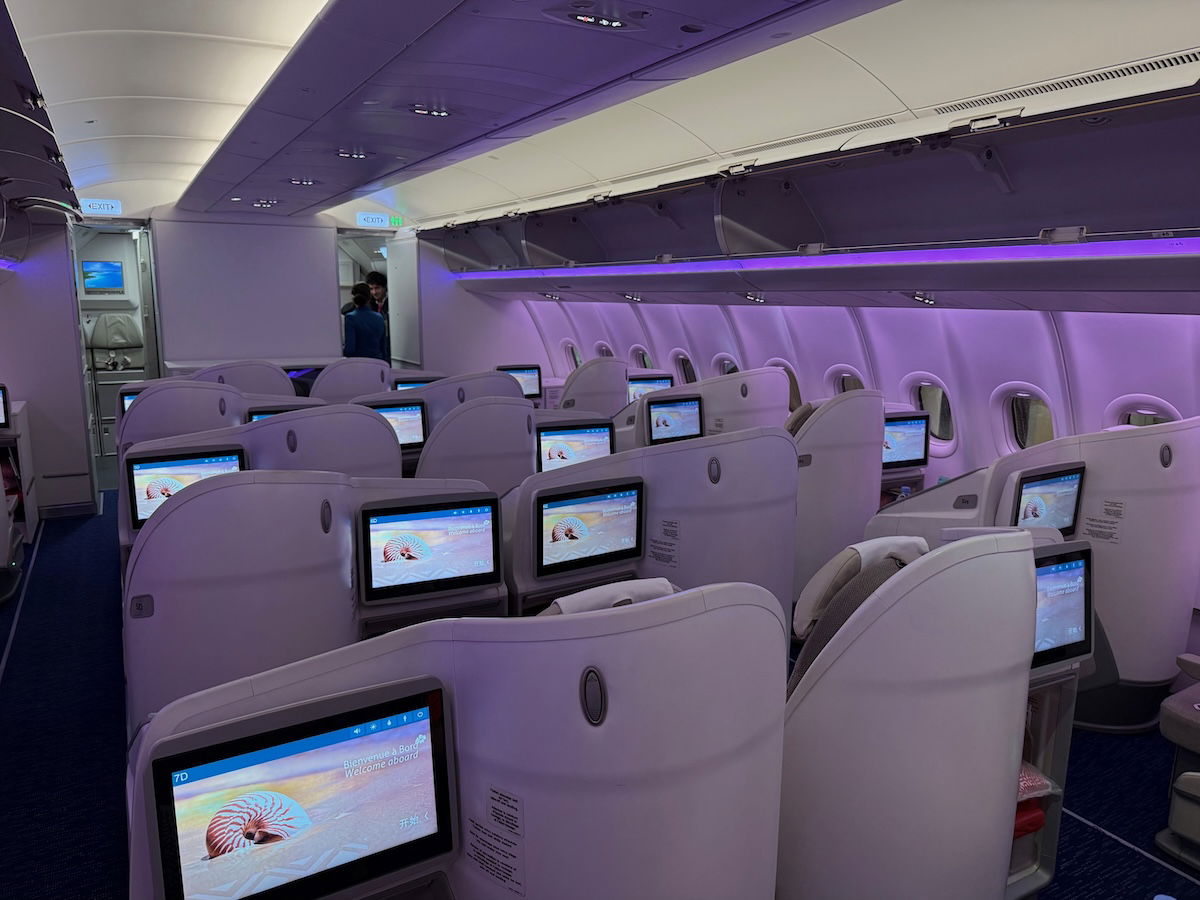
The iPhone camera has become really good nowadays, and the quality evolution is impressive… for the most part. As the iPhone’s features have in theory improved in recent years, there’s one aspect of the camera that I find is getting worse.
Specifically, when I use the camera to take a picture of text (like a business class menu or a hotel restaurant menu), I find the text is increasingly blurry. I guess part of the issue is that the iPhone has gotten so good and high resolution that it has a hard time deciding where to focus when taking a picture of a page, and that gets tricky with text.
For what it’s worth, I have an iPhone 17 Pro Max, and before that, I had an iPhone 16 Pro Max, and both have had exactly the same issue (so this problem wasn’t isolated to one phone). For those who have no clue what I’m talking about, below is an example of a picture of an Etihad wine list, and how it’s much blurrier than I feel like it should be.
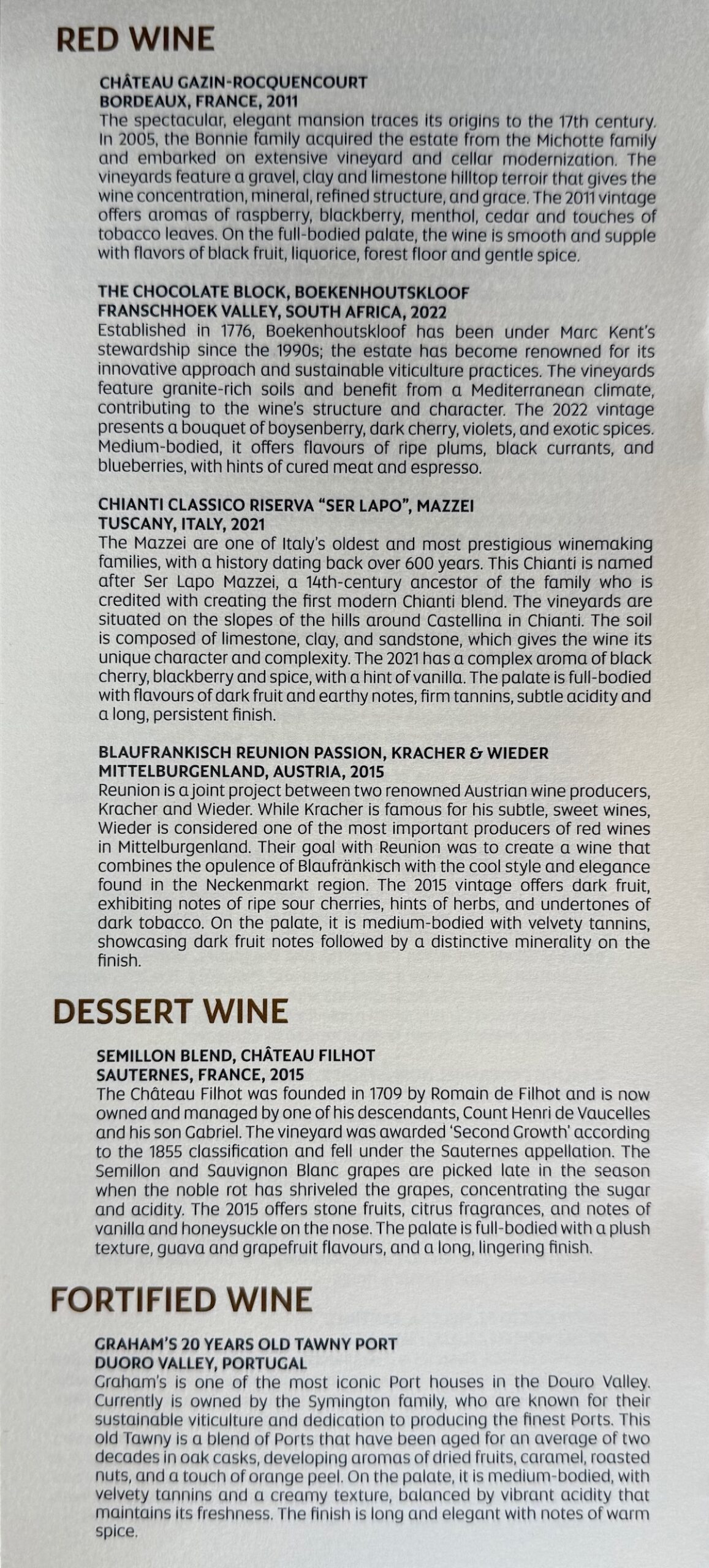
It’s kind of funny, taking pictures of menus with text is probably the single biggest thing that frustrates me about the photography aspect of flights, because it feels like taking a picture of a piece of paper should be super easy, but it always gives me issues (and I usually end up taking like 20 pictures of the same page, and then picking the best one). I do this stuff for a living, and I should be able to do better than posting blurry text.
Some people might be thinking “well wait, has something actually changed?” I know that seven years ago when I was taking pictures with previous generation iPhones, I thought that text was significantly clearer, and less blurry.

Is there some obvious solution I’m missing?
I’ve tried Googling this question, but there’s oddly little discussion about this online (maybe I’m just describing my problem poorly?). It’s confusing, because I can’t imagine I’m the only person who uses the iPhone camera to sometimes take pictures of text.
Is there something obvious I’m missing, or something I’m doing wrong? I’ve read it makes sense to take pictures from further away (since it’s partly a focus issue), and then cropping the picture, so that’s what I’ve been doing lately. Even so, the quality is still pretty bad. Is there some setting I have to change? Do I just need to carry another camera or an old iPhone specifically to take pictures of menus and stuff?
Sorry, I know this is an arbitrary question, but it’s something I’ve been dealing with for quite a long time now, and I figure I should ask and see if there’s a solution. With some upcoming travel, I figure this is as good of a time as any to ask.
I should mention that I appreciate that an increasing number of airlines and hotels publish their menus online, which is ideal. In those situations, I can just screenshot the menus there, and don’t have to worry about taking pictures.
Some people might suggest that I get a scanner, or something, but that’s not really practical. For example, when I’m at a hotel restaurant, I’m not going to bring a scanner to breakfast, and I’m also not going to “steal” the menu (often in a nice binder) and take it home.
Bottom line
I feel like my iPhone serves me well for my travel pictures… except for taking pictures of text, like menus on airlines or at hotel restaurants. I’m sorry for the total newb question here, but I feel like I should be able to do better that this with ease, yet oddly searching this problem online isn’t returning many good results.
Anyone have any insights about my iPhone camera problem?
source
